Sales Invoice
A Sales Invoice is a document issued by a seller to a buyer that records a sale transaction. It details the products or services provided, their quantities, prices, and payment terms.
Follow these steps to create a new Sales Invoice in the system:
1. Click New Invoice from Sales Invoice Dashboard.
2.Enter all the mandatory fields to create a sales invoice.
For example,
.
i) Select date and valid Till Date
ii) Select a client from the Bill to drop down
iii) Select Place of supply (based on the selection the GST rates of the item is defined)
iv) Line Items
Based on the items and place of supply ,the GST rates, amount will be displayed for the items automatically.
3. Click on the Create Invoice button
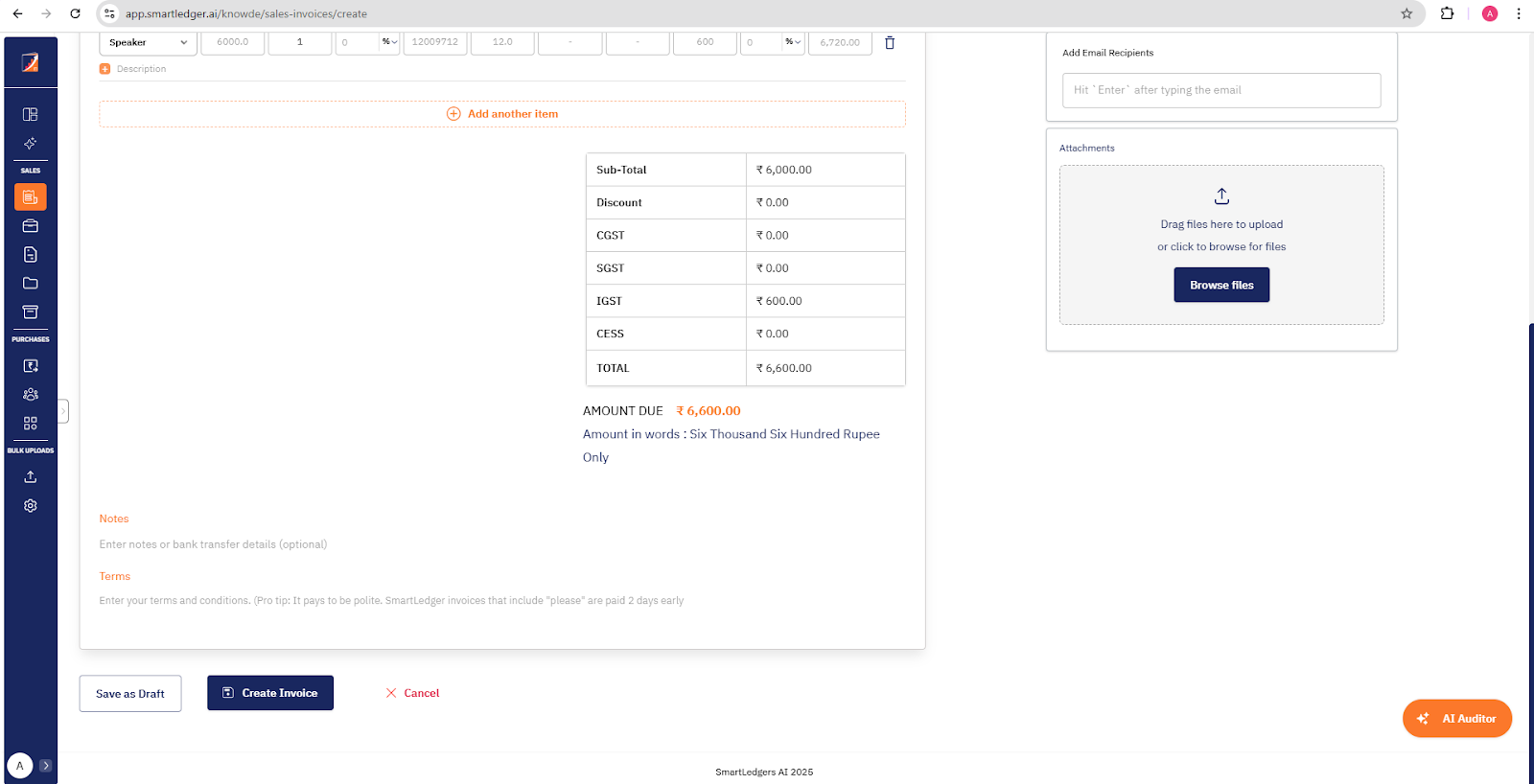
4. New Sales invoice created successfully and the invoice will be sent to the respective client email address.
Related Articles
Get Started with Sales Invoice
A sales invoice is used to record the details of goods or services you sell to your customers. In SmartLedger.AI, creating a sales invoice is quick and easy. This guide helps you get started with creating sales invoice in SmartLedger.AI. Step 1: ...